




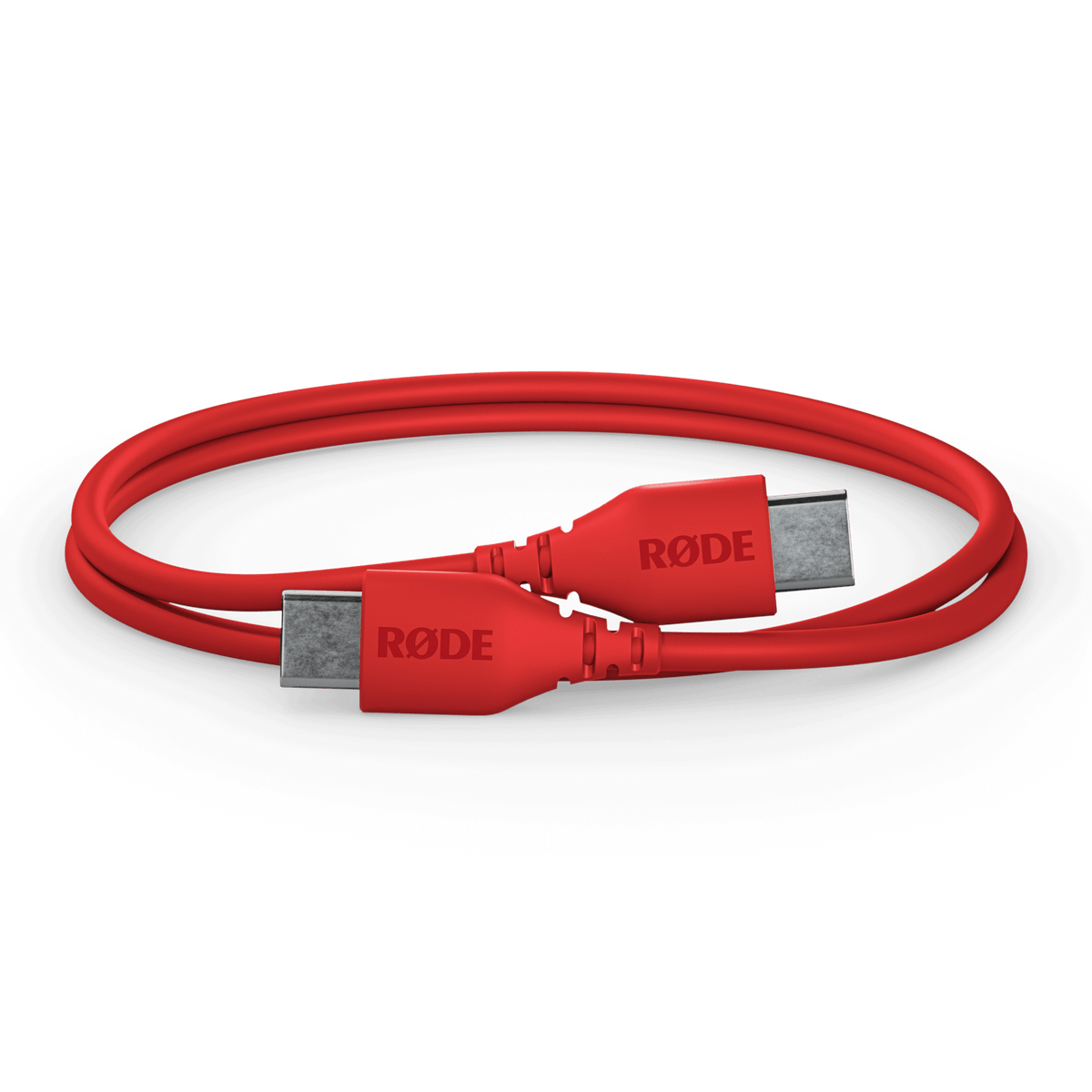


Buying guide
USB cables for music gear: which one do you need
USB connects controllers, interfaces and instruments to computers and tablets, and often powers them too. We stock 28 of them from 6 brands, including .
Before you buy
- Check the plug on your device and on your computer
- Make sure the cable carries data, not only charge
- Keep cables as short as practical
- Use a Thunderbolt-rated cable for Thunderbolt gear
- Add a powered hub for several bus-powered devices
Frequently asked questions
Why is my MIDI controller not detected over USB?
Often the cable only carries power. Try a known data cable, connect directly to the computer instead of a hub, and check that the device is powered on.
What USB cable does an audio interface use?
Most use USB-B or USB-C on the interface side; check the socket and your computer's port, then choose a cable with those two plugs.
Can I use a phone charging cable for my synth?
Only if it carries data and has the right plugs. Many charging cables do, but some are charge-only.
How long can a USB cable be for audio?
Up to about 5 metres for USB 2.0 passive cables, but shorter cables are more reliable, especially for bus-powered gear.
Do I need a special cable for an iPad?
You need a cable or adapter that matches the iPad's port, and some setups also need power for the connected device. A powered hub or adapter solves most power issues.
Is a USB-C cable the same as a Thunderbolt cable?
No. They share the plug, but Thunderbolt needs a cable rated for it. Check the marking or specification before using one with Thunderbolt gear.
Can I test a USB cable in the shop?
Yes. Products marked In Store are on the shelf in our Rotterdam showroom at Oude Binnenweg 38, where you can try them.