


Get sound in
Microphones capture voices and instruments; preamps bring their signal up to a usable level.
Start with one good all-round microphone.


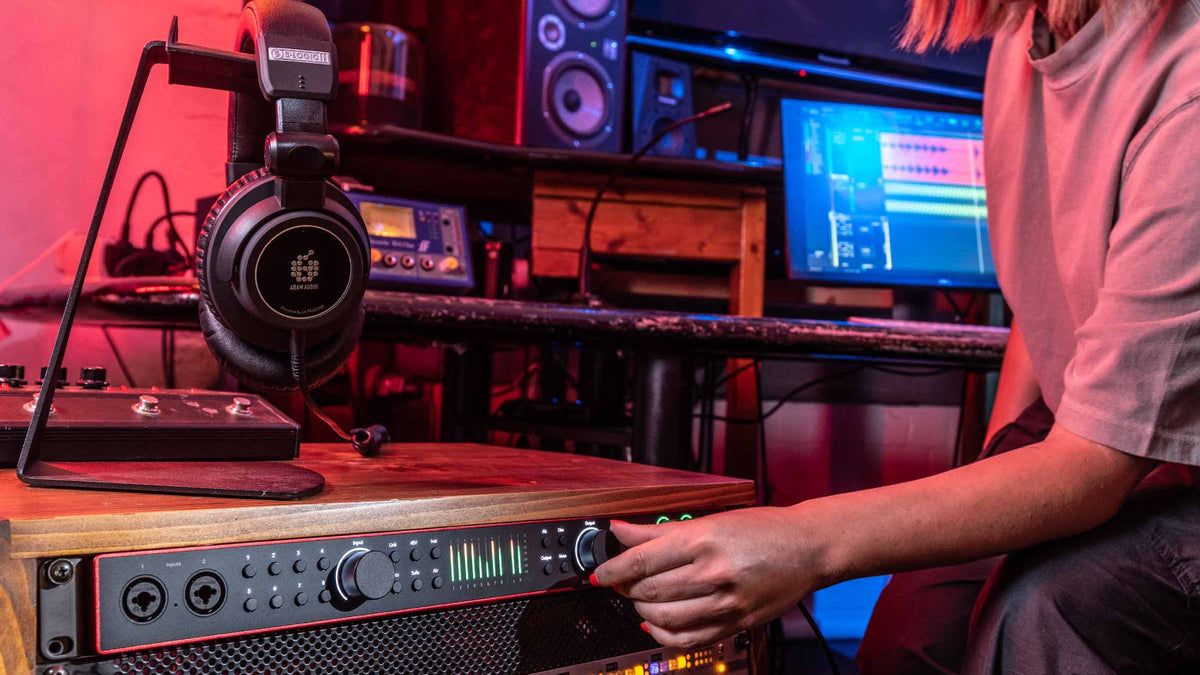
Audio interfaces, studio monitors, headphones, microphones, preamps, outboard processing, mixers and software for recording and producing music at home or in a professional studio. This page explains what each part of a studio does, what a first home setup needs and how to choose between the options. Much of the range can be heard in our Rotterdam showroom.
Highlights





Start here
Whether it is a laptop on a desk or a full control room, a studio is built from the same four parts.
Microphones capture voices and instruments; preamps bring their signal up to a usable level.
Start with one good all-round microphone.
An audio interface converts sound to digital and back, with inputs for mics and instruments and outputs for speakers.
Start with a 2-in, 2-out USB interface.
Studio monitors and headphones let you hear what you record and mix without the flattering colour of hi-fi speakers.
Start with closed headphones for recording and monitors for mixing.
Software, outboard processors, mixers and recorders capture, edit and polish the sound.
Start with the DAW that comes with your interface.
First setups
What a first setup usually needs, depending on what you record.
Home recording
An audio interface, a pair of monitors, closed headphones and one microphone cover vocals, guitar and production.
Talk & stream
A podcast mixer or interface with built-in processing, dynamic microphones and headphones for every speaker.
Hardware studio
A mixer or an interface with plenty of line inputs, plus monitors, brings all your instruments into one recording.
Category guide
Studio gear is grouped by its job in the signal chain. Here is what you will find in each group.
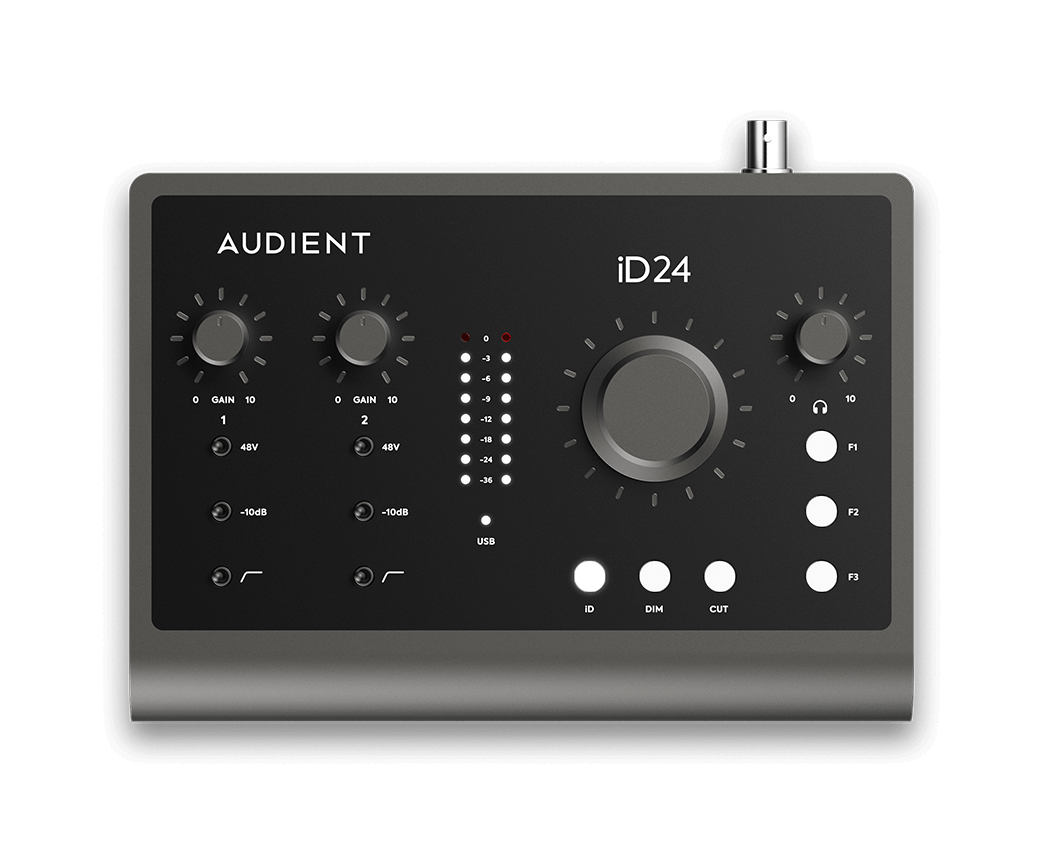
An audio interface connects microphones, instruments and speakers to your computer. The number of inputs decides how many sources you can record at once; preamp quality, converters and latency decide how good and how responsive it feels. USB interfaces suit most home studios, Thunderbolt and network audio models larger setups.
Studio monitors are speakers designed to sound neutral, so mixes translate to other systems. Active monitors have amplifiers built in. Woofer size sets how low they go: 5 inch suits small rooms, 8 inch and larger need more space. Subwoofers extend the low end.
Closed-back headphones isolate, so they suit recording and noisy rooms. Open-back headphones sound more natural and spacious, which makes them better for mixing. In-ear monitors are used on stage and for tracking.
Dynamic microphones are robust and handle loud sources such as drums, guitar amps and live vocals. Condenser microphones capture more detail and suit studio vocals and acoustic instruments. Ribbon microphones give a smooth, vintage character. USB microphones plug straight into a computer.
Microphone preamps raise a mic signal to line level and give it character, from clean and transparent to warm and coloured. Channel strips add EQ and compression in the same unit, so one box shapes a voice or instrument before it reaches the interface.
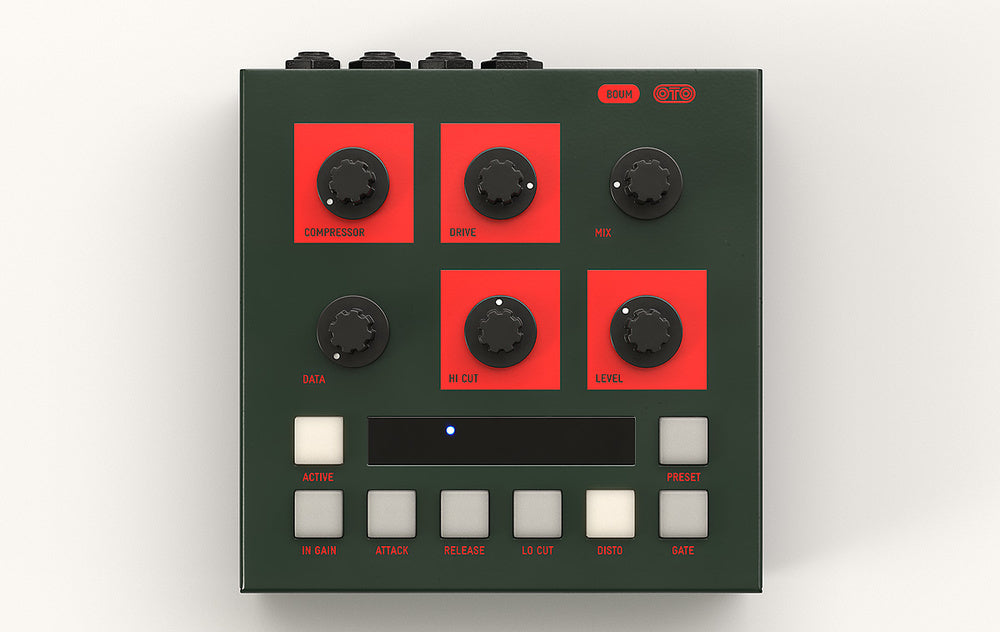
Outboard processors shape sound in hardware: compressors and limiters control dynamics, equalizers shape tone, and reverbs, delays and multi-effects add space. Many come in 19-inch rack or 500-series formats.
Mixers combine several sources into one stereo signal, with EQ, effects sends and level control for each channel. Many mixers now include a USB audio interface, so they record every channel to a computer at the same time.
Portable and multitrack recorders capture audio without a computer, for interviews, field recordings, rehearsals and live shows.
Converters add analog-to-digital and digital-to-analog channels to an existing system over ADAT, AES or network audio. Master clocks keep several digital devices in sync.
DAWs, plugins, virtual instruments and sound libraries for recording, producing and mixing. Many hardware products include a starter version of a DAW.
Studio desks, rack cases, monitor stands and acoustic treatment. Treating the room is often the cheapest way to make monitors sound better.
Buying guide
Six choices that matter most when you build a first studio.

List what you want to record at the same time. One singer-songwriter needs two inputs; a band or a hardware setup needs eight or more. Buy for what you record at once, not for every instrument you own.
In a small room, 5-inch monitors are usually more accurate than larger ones, because they excite fewer room resonances. Place them at ear height, in an equal triangle with your listening position, away from the wall behind them.
Closed headphones for recording, so the click does not leak into the microphone. Open headphones for long mixing sessions. One pair of each covers most needs.
A dynamic microphone is forgiving in an untreated room and handles loud sources. A large-diaphragm condenser gives more detail for vocals in a treated space. Room sound matters as much as the microphone.
Latency is the delay between playing and hearing. Interfaces with direct monitoring let you hear yourself without delay, and good drivers allow small buffer sizes while recording.
Bass traps in the corners and absorbers at the first reflection points make a bigger difference than most upgrades. Start with the wall behind you and the side walls next to the monitors.
Glossary
The words you will meet on product pages and in manuals.
A computer with a DAW, an audio interface, headphones, and a microphone if you record vocals or acoustic instruments. Studio monitors come next, when you start mixing.
As many as the sources you record at the same time. Two inputs suit vocals and guitar; eight or more suit drums, bands and hardware setups.
A condenser captures more detail and suits vocals in a quiet, treated room. A dynamic microphone rejects more room sound and handles loud sources, which makes it easier in an untreated room.
Yes, good open-back headphones are fine for mixing. Check your mixes on monitors or other speakers too, because stereo width and low end sound different on headphones.
For most bedrooms and small studios, 5-inch monitors are the right size. Choose 7 or 8 inch for larger rooms, or add a subwoofer later.
In most rooms, yes. A few absorbers at the reflection points and bass traps in the corners make monitors and microphones sound noticeably clearer.
Yes. Our Rotterdam showroom at Oude Binnenweg 38 has monitors and headphones set up to compare. Products marked “In Store” are on the shelf there.
Rotterdam showroom
Volt Music Store is an independent shop for synths, modular, studio and DJ gear, with a showroom at Oude Binnenweg 38 in Rotterdam since 2022. Our studio & recording range covers 1266 products from 108 brands, for bedroom producers and professional studios alike.
Everything marked “In Store” is on the shelf and can be tried before you buy. In-store stock ordered before 15:00 on a working day is dispatched the same day, and delivery in the Netherlands is free above €150. We also run free events in the showroom, from workshops to brand evenings.


